Lord of Undead PC System Requirements
Official Steam minimums and recommended specs, plus practical performance advice for Early Access.
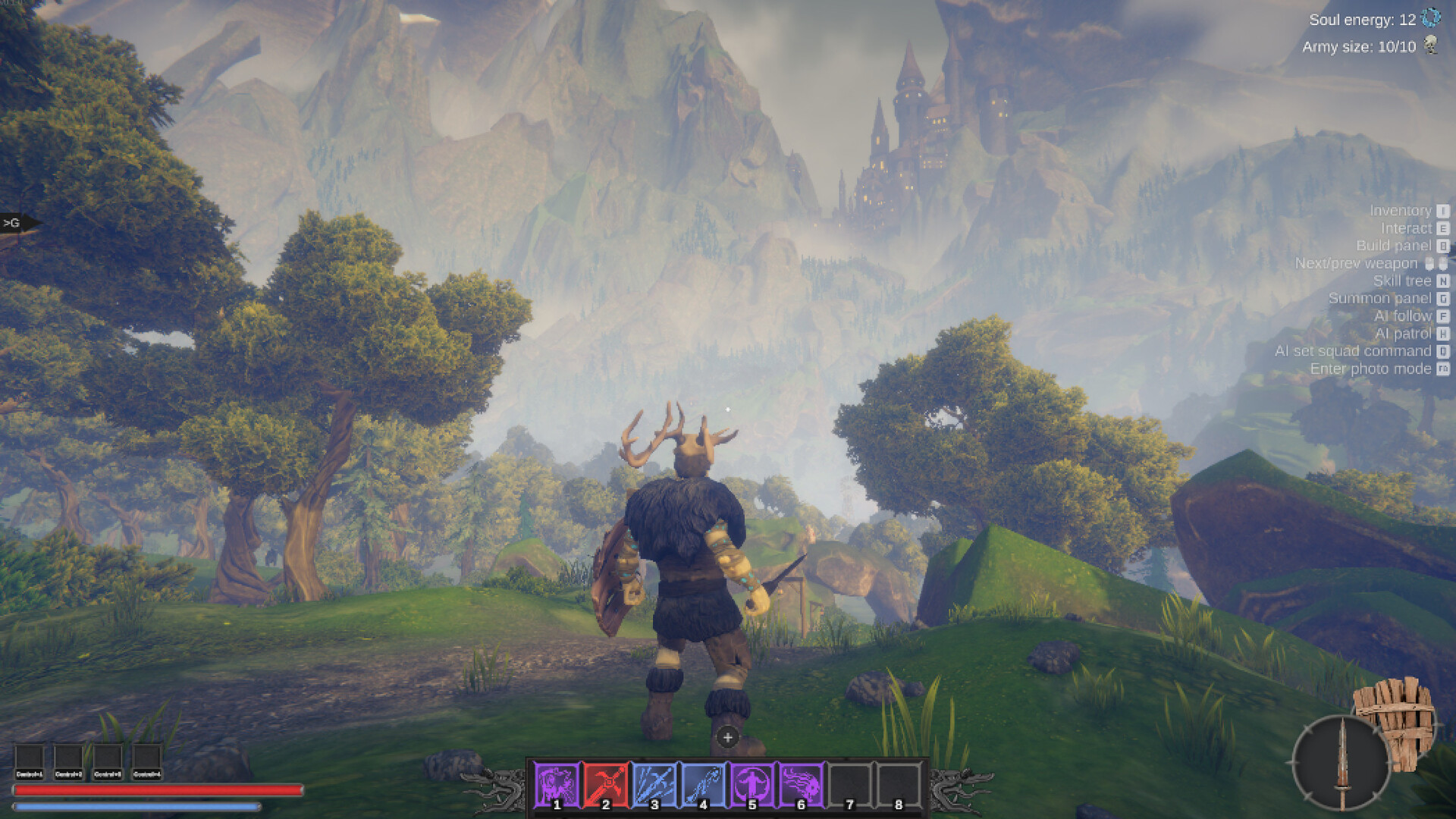
Lord of Undead is a Windows PC release on Steam from Megame LLC. Before you raise skeletons outside your first desecrated camp, compare your hardware to the official store tables below. Early Access worlds, foggy Swamps, and large minion squads can stress systems differently than the smaller demo spaces, so leave headroom if you plan to max army counts and graphics together. Return to the Tools Hub for related utilities, and read Early Access plans if you are deciding whether to buy during the 12–18 month EA window.
Minimum requirements
| Component | Minimum |
|---|---|
| OS | Windows 7 (64-bit) or newer (see Steam client note below) |
| Processor | Intel Core i3 / AMD Phenom |
| Memory | 8 GB RAM |
| Graphics | GeForce GTX 1050 |
| Storage | 6 GB available space |
| Other | 64-bit processor and operating system |
These minimums mean the game should boot and run at playable settings on entry-level mid-2010s hardware. Expect to lower shadows, foliage, and view distance during settlement sieges if you sit exactly on this line. Eight gigabytes of RAM leaves little room for Chrome, recording software, and Discord at once—close background apps when diagnosing hitching.
Steam client note: Valve’s Steam client itself only supports Windows 10 and later as of January 1, 2024. Even if the game lists Windows 7, you may need a newer OS simply to run Steam. Prefer Windows 10 or 11 in practice.
Recommended requirements
| Component | Recommended |
|---|---|
| OS | Windows 10 (64-bit) or newer |
| Processor | Intel Core i5 / AMD Ryzen 5 |
| Memory | 16 GB RAM |
| Graphics | GeForce RTX 3070 |
| Storage | 6 GB available space |
| Other | 64-bit processor and operating system |
Recommended specs target smoother frame times with higher fidelity while undead path through forests and swamp fog. A Ryzen 5 / i5 class CPU helps when many AI agents think at once. Sixteen gigabytes of RAM is the comfort zone for modern multitasking. An RTX 3070-class GPU handles demanding scenes with more room for future EA content.
Storage and install tips
Six gigabytes is the listed footprint, but leave additional free space for:
- Steam download staging and shader caches
- Windows pagefile growth during large fights
- Future content packs as biomes expand
Install on an SSD when possible. Open-world streaming and base loading feel better with fast random reads. Avoid nearly full drives; performance cliffs appear before Windows shows dramatic warnings.
Steam Deck and handhelds
Steam Deck compatibility is currently listed as unknown. That is not the same as Unsupported or Verified. Community reports may appear after launch, but this wiki will not claim official Deck status until the Steam storefront does. If you experiment on Deck or similar handhelds:
- Start at low-to-medium presets and 30–40 FPS caps for thermals
- Reduce army on-screen counts when exploring dense camps
- Verify control comfort—partial controller support is mentioned on store feature lists, but keyboard-and-mouse command precision still matters for Hold Q play
- Carry a backup plan to finish sessions on a desktop if a patch regresses handheld performance
Performance advice for Lord of Undead workloads
CPU-bound moments
Minion gather loops, village raids, and pathing through cluttered geometry often tax the CPU. If GPU usage is low while frame times spike:
- Cap FPS to a stable number instead of chasing unlocked highs
- Reduce crowd density by splitting squads—send gatherers home with go home while a combat team follows you
- Lower AI-adjacent settings if the menu exposes crowd or simulation options after patches
- Keep background scans (antivirus full scans, cloud sync storms) off during play
GPU-bound moments
Foggy Swamps, shadows at dusk, and particle-heavy abilities stress the GPU:
- Drop shadow quality first
- Trim volumetric fog / effects if available
- Use DLSS/FSR only if Megame exposes them in a future patch—do not assume they exist at launch
- Prefer native resolution you can hold over aggressive upscales that add input latency
Memory and stutter
Stutter when entering new regions can be shader compilation or streaming. Play offline-first sessions after a patch so caches build. Sixteen gigabytes of RAM reduces disc thrashing when browsers stay open; eight gigabytes users should quit everything else.
Army management as a graphics setting
Your undead count is a performance lever. A dozen skeletons chopping trees while wraiths fight looks spectacular—and costs CPU. Use gather and go home orders from the controls guide to keep only the units you need on-screen. Efficient play described in the undead army guide is also a stability strategy.
Launch-week checklist
- Update GPU drivers from NVIDIA/AMD/Intel.
- Verify game files in Steam after large patches.
- Set power plans to High Performance on laptops when plugged in.
- Disable experimental overlays if you crash on boot.
- Capture a short clip when reporting bugs so Megame can see hitch patterns—feedback channels are listed on official links and discussed in Early Access plans.
- Re-test after reading the patch notes tracker.
Gameplay context while you tune settings
Technical smoothness matters because fights ask for timing: soul harvest on living targets, quick Q attacks, and repositioning with move/hold. Unstable frame times make archery and magic harder than heavy melee. New players should stabilize settings, then follow Getting Started and souls and combat before optimizing ultra presets. Swamp Tier 2 pushes described in map biomes and crafting and gear are longer sessions—thermals matter.
Upscaling, ray tracing, and future notes
At the time of writing, treat advanced features as unconfirmed unless they appear in your in-game options after install. Early Access may add scalability options as the world grows toward additional biomes and the castle-on-the-hill goal. When Megame publishes performance-focused news, we will adjust this page without inventing settings that do not exist.
Summary
- Minimum: Win7+ listing (prefer Win10+ for Steam), i3/Phenom, 8 GB, GTX 1050, 6 GB storage.
- Recommended: Win10+, i5/Ryzen 5, 16 GB, RTX 3070, 6 GB storage.
- Steam Deck: unknown—experiment carefully.
- Best free boost: manage minion counts, update drivers, install on SSD, cap FPS.
Meet the specs, then conquer the living—without fighting your hardware at the same time.
Frequently Asked Questions
Quick answers to the most common questions.
What are the minimum specs for Lord of Undead?
Windows 7 64-bit or newer (Steam itself needs Windows 10+), Intel Core i3 or AMD Phenom, 8 GB RAM, GeForce GTX 1050, and 6 GB storage.
What are the recommended specs?
Windows 10 64-bit or newer, Intel Core i5 or AMD Ryzen 5, 16 GB RAM, GeForce RTX 3070, and 6 GB storage.
Does Lord of Undead run on Steam Deck?
Official Steam Deck compatibility is currently unknown. Community results may vary; start with low settings if you try it.
Why does my FPS drop when my army is large?
Many minions pathing and fighting increases CPU load. Send unused units home, lower crowd-heavy settings, and cap frame rate for stability.
Is an SSD required?
Not required by the store page, but strongly recommended for smoother streaming and shorter hitch spikes when entering new areas.